
Find the first reflection.
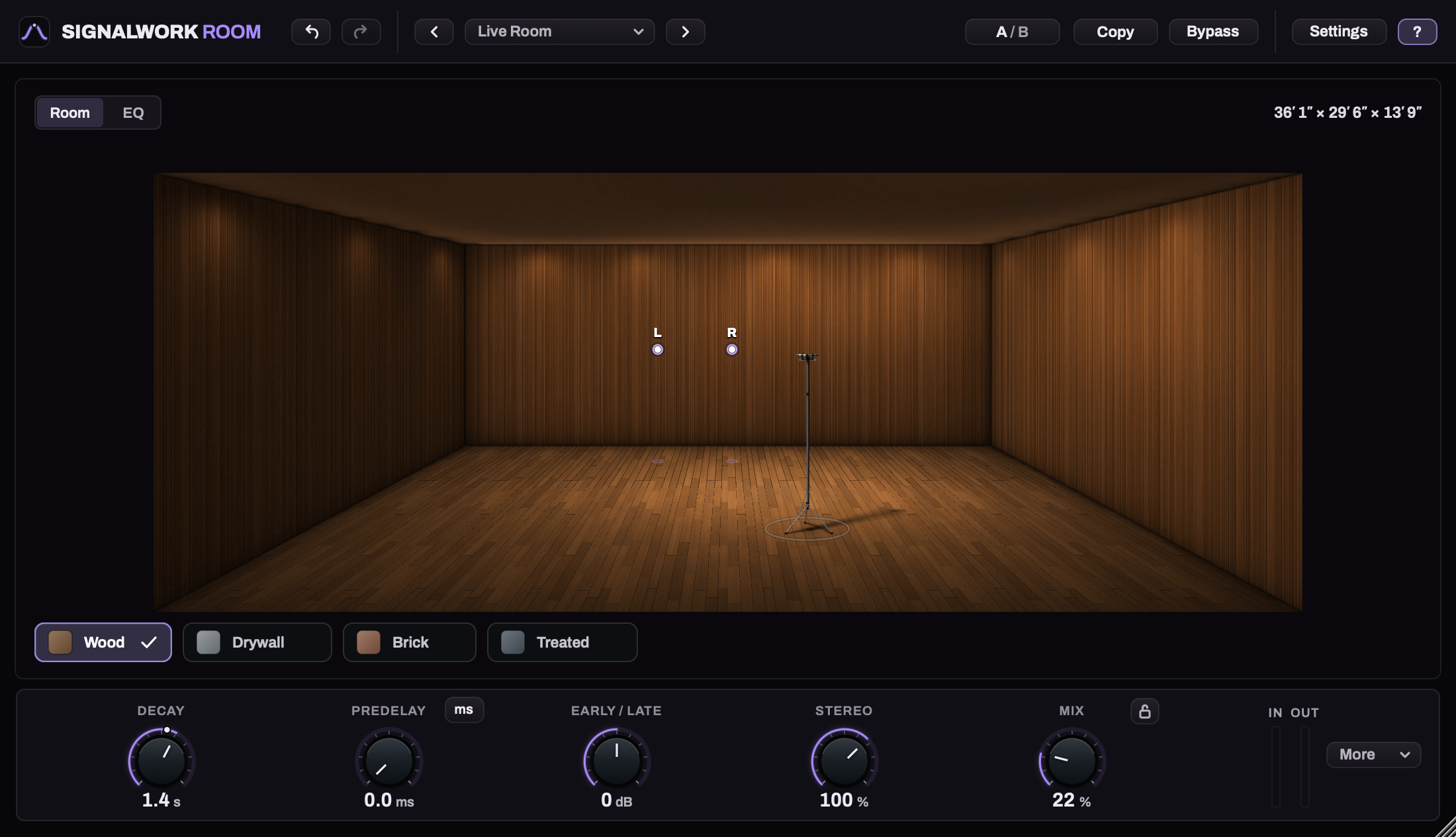
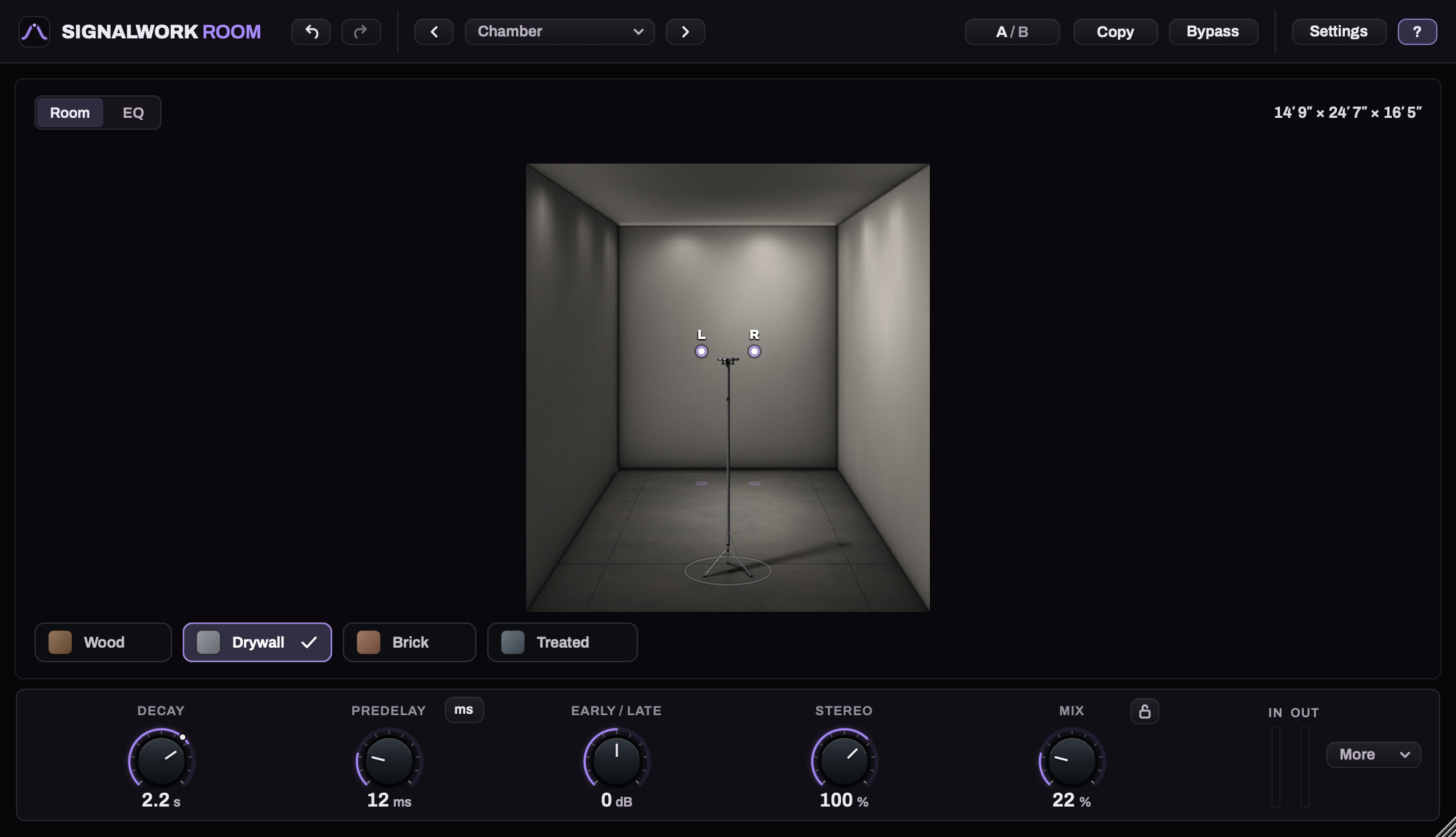
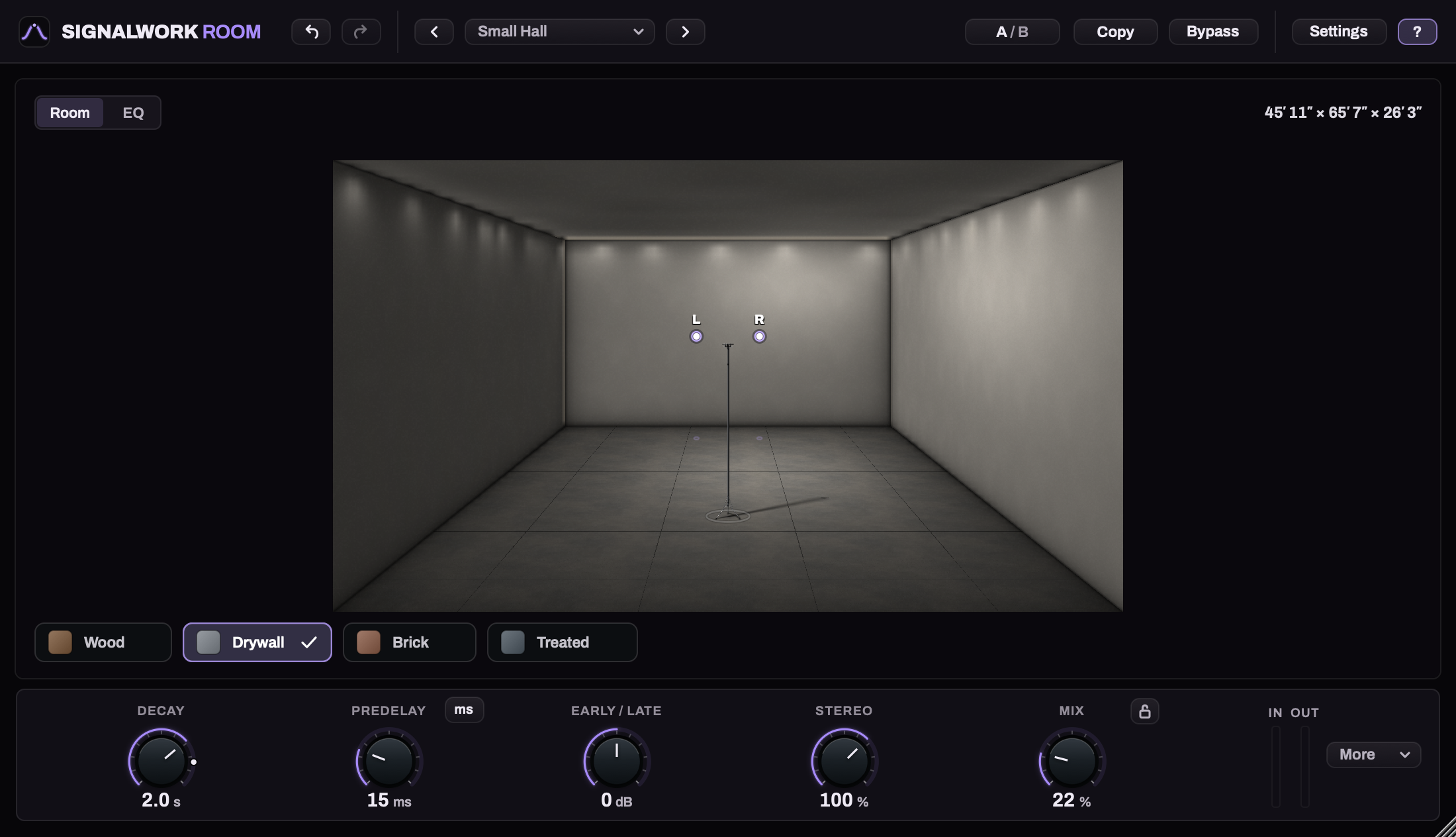
Widen a room or raise its ceiling to change the distance a reflection travels. Choose a surface profile for the whole room: Wood, Drywall, Brick or Treated.
SW ROOM
Room reverb for Mac and Windows.
SW Room is a natural-sounding and highly customizable reverb. Set a vocal in a close booth or give a drum kit room to ring: drag the walls, ceiling, source and listener to shape the reflections around your track.
Mac: AU + VST3 · Windows: VST3
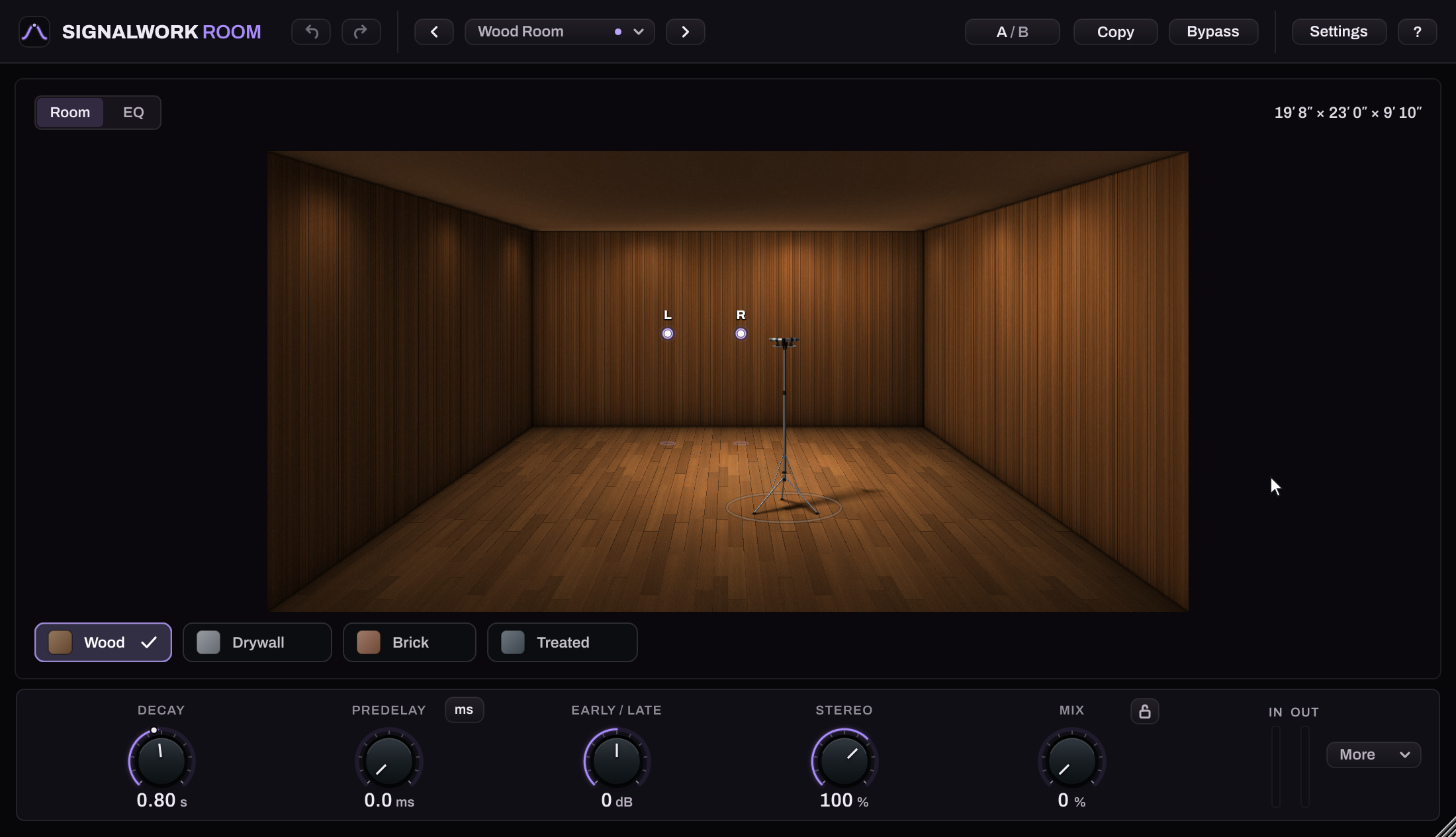
Widen a room or raise its ceiling to change the distance a reflection travels. Choose a surface profile for the whole room: Wood, Drywall, Brick or Treated.
Start at the room’s natural decay marker, then shorten or stretch the tail. Room size and Decay are separate controls. Early/Late balances the first reflections against the tail.
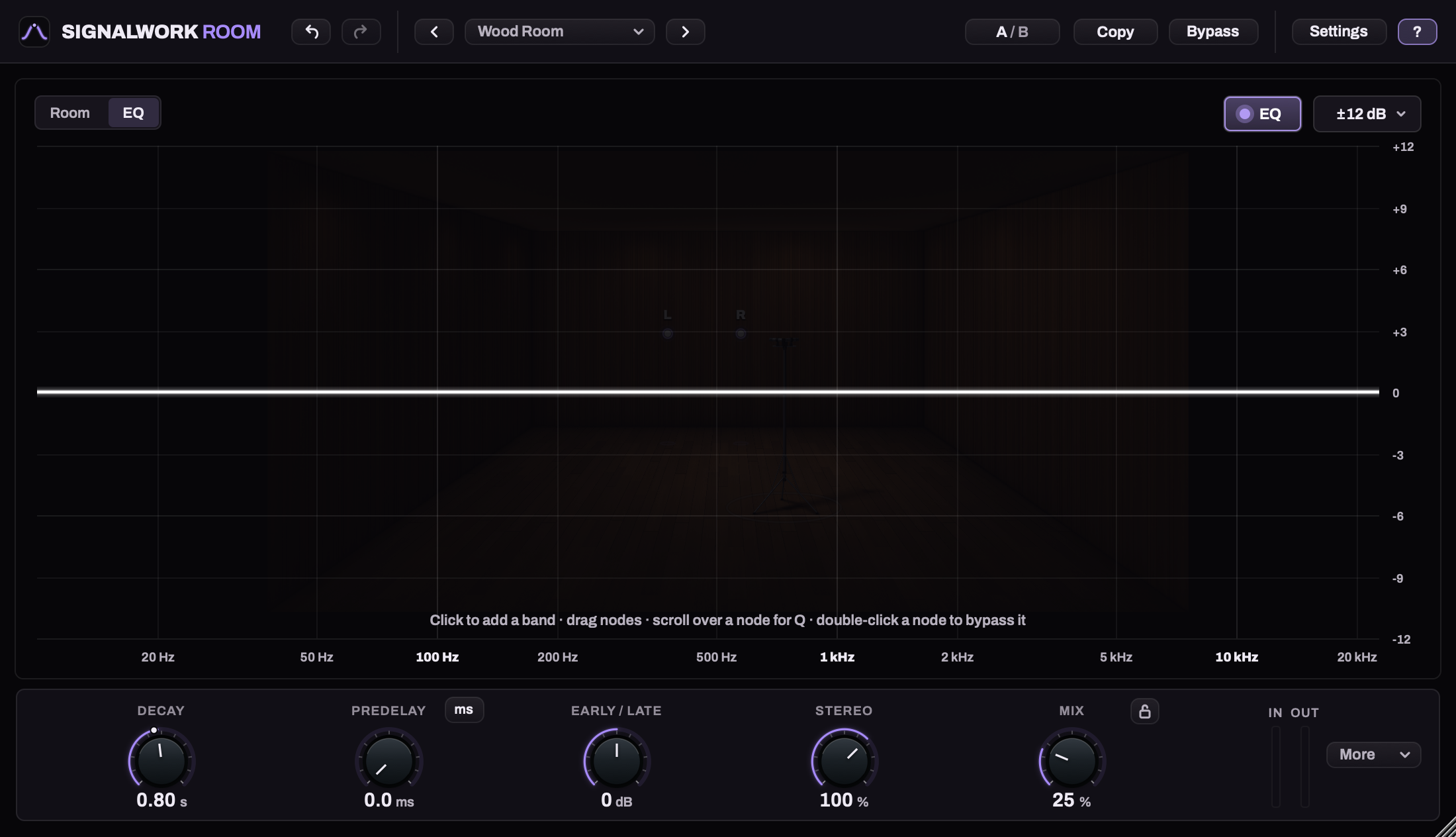
Cut rumble from the reverb, soften its top or tame a resonant note. The eight-band Signalwork EQ acts on the room return alone.
SIX ROOMS
Start with one of six factory rooms, from a close vocal booth to a small hall. Each has its own dimensions and surface profile.
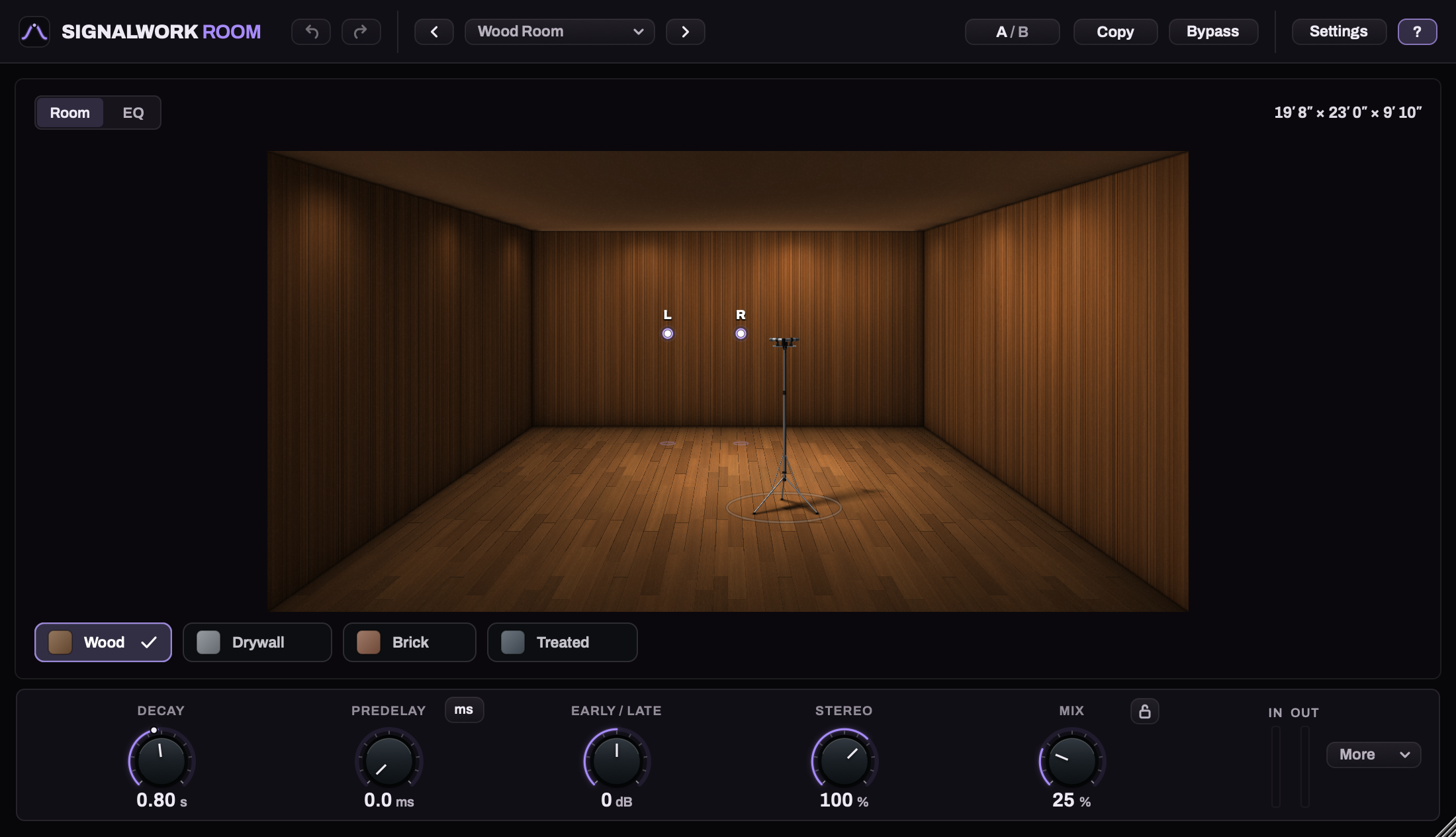
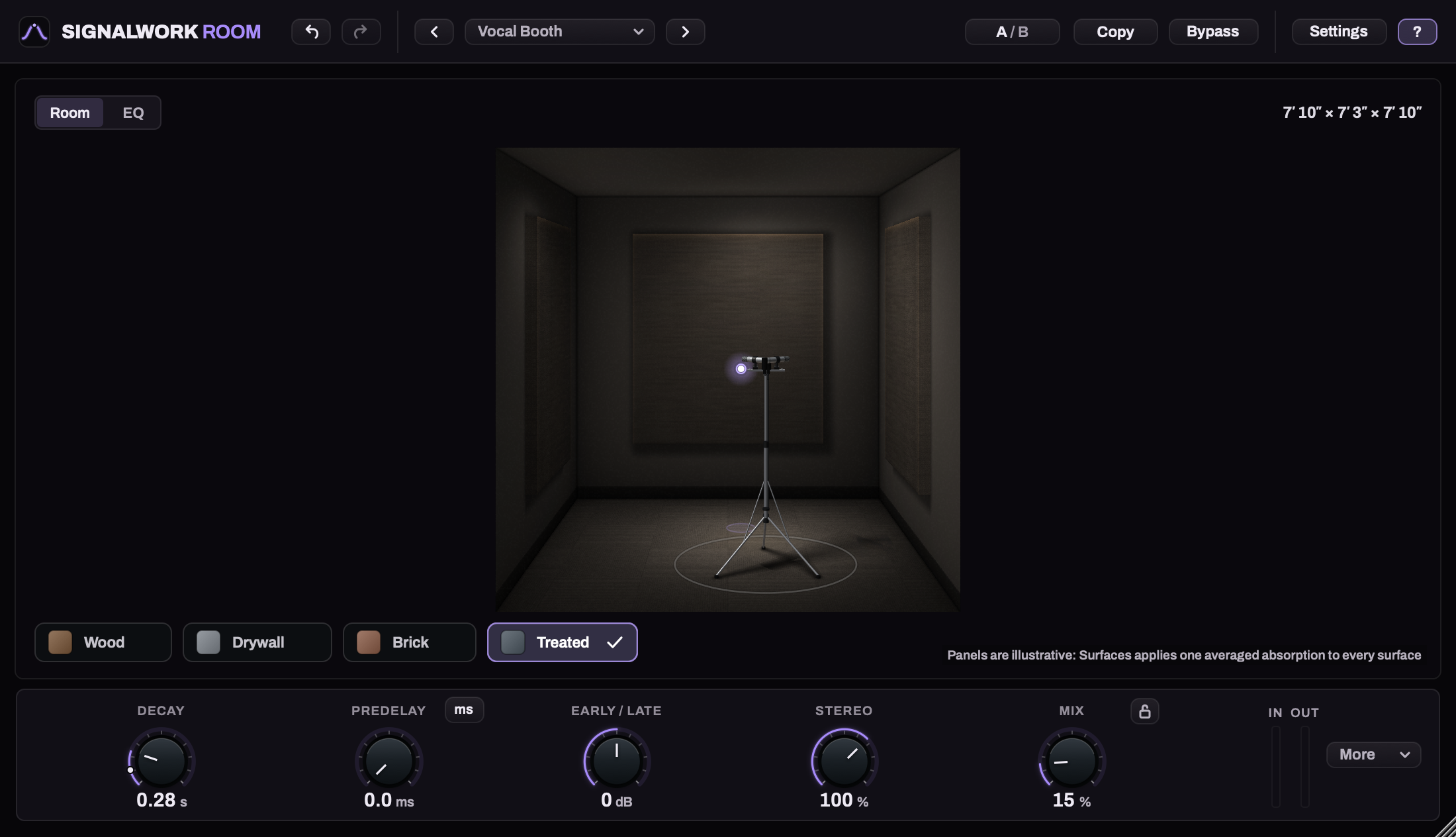
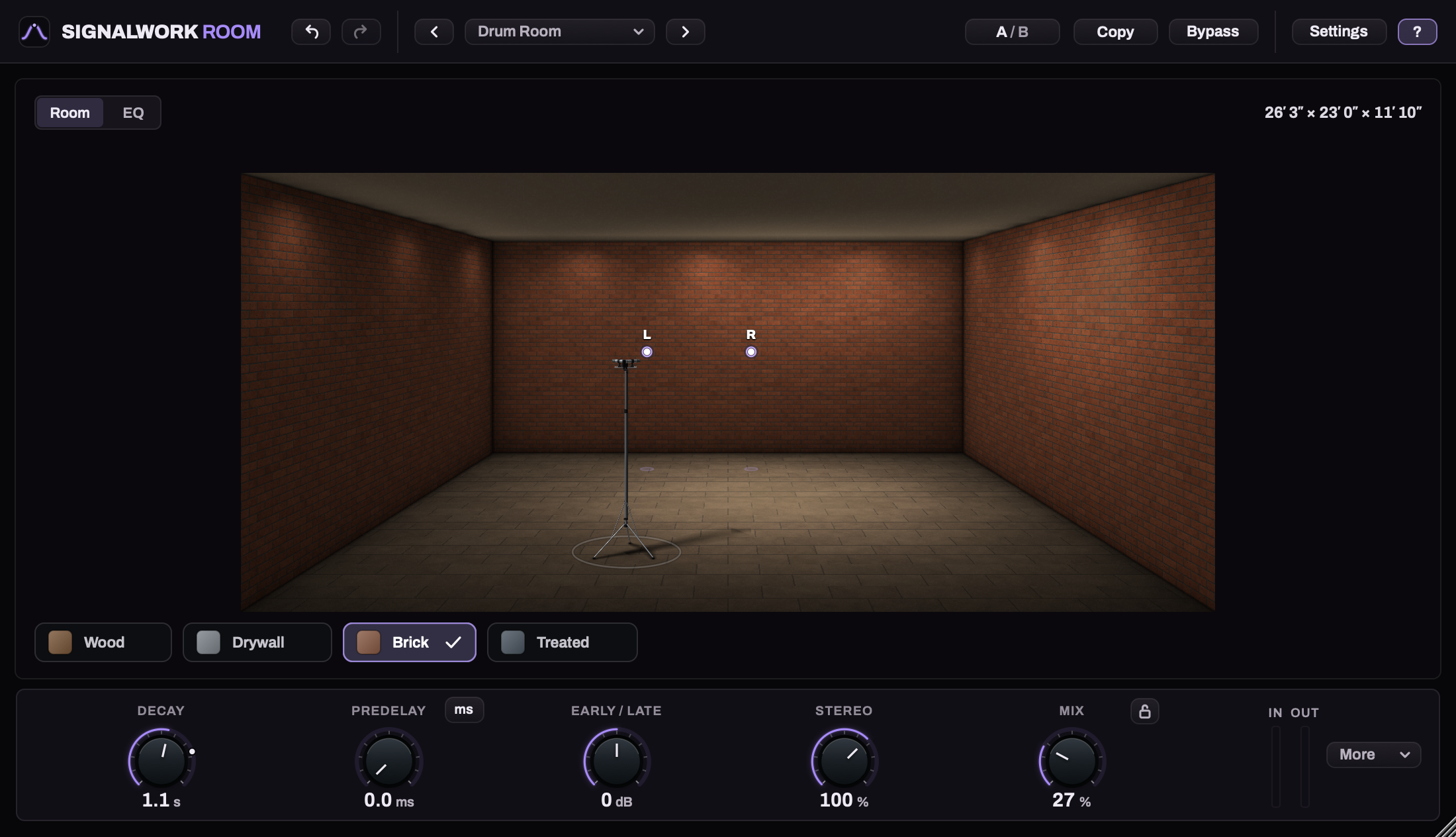
SIGNALWORK EQ
Start with a flat EQ and add up to eight bands on the wet path. During playback, the spectrum shows the reverb before and after your EQ while your dry track stays intact.
Use Predelay in milliseconds or sync it to a note length from 1/64 to 1/8 at your host’s tempo.
THE PLUGIN
Choose from twelve factory presets: six rooms plus lighter [Insert] and fully wet [Send] choices. On an aux return, turn Mix lock off before loading a [Send] preset to get 100% Mix. With the lock on, every preset keeps your current Mix. The labels do not create a DAW bus. SW Room runs in your DAW without SW Rack.
Save your own sounds with Save as... in the preset menu. User presets recall your EQ and Mix; Mix lock keeps your current Mix when loading.
$25 regular · One-time purchase
TRY SW ROOM
Seven days with every feature. Downloading and installing don’t start the trial; it starts when you choose Start free trial inside Room.
macOS 11 or later. Apple silicon and Intel.
AU and VST3.
Windows 10 or 11. 64-bit x64.
VST3.
Quit your DAW, open SW-Room-1.0.0-Mac.pkg and follow the installer. AU and VST3 are selected by default. Reopen your host and find SW Room under Signalwork Audio. Use AU in Logic Pro, or VST3 in a host that supports VST3.
Quit your DAW, extract the ZIP and copy the whole SW Room.vst3 folder to C:\Program Files\Common Files\VST3. Approve the administrator request, then reopen your 64-bit DAW and rescan its VST3 plugins.
Use the key in your Gumroad receipt to retrieve your personal SW Room license. Import the file in Room; the plugin checks it offline. This works on Mac and Windows.
Only when you choose Start free trial inside Room. Downloading and installing do not start the seven days.
If the trial ends while your host is running, Room keeps working until you quit the host. Afterward, import a license to resume processing. Your saved sound settings remain available.
Choose Quick tour in Settings for a six-step introduction. You can skip it and reopen it later without changing your sound.
Yes. Open Settings and choose Feet & inches or Meters under Units. Room uses feet and inches by default when your computer’s region is set to the US.
Yes. The Post EQ shapes the reverb before it is mixed with your dry signal.
No. SW Room is a separate audio effect and a separate purchase.